You cannot install Minecraft on a Chromebook. There is no installer to run, no Java to add, and the account side of it was never going to happen on a managed device. That is the end of the conversation for most people, and it is the reason a lot of you end up searching for a browser version instead.
There is one, it is real, and it works. It is not a clone or a lookalike. It is the actual Minecraft client recompiled to run on web technology. Here is what that means in practice, what it does well, and the things it genuinely cannot do.
What Eagle Craft Actually Is
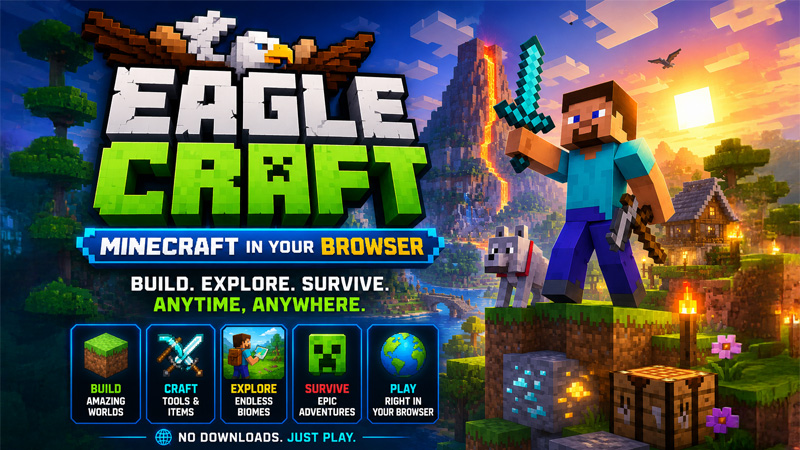
Eagle Craft is Minecraft 1.8.8 running in a browser tab. Underneath it is EaglercraftX, an open-source project that takes the Java Edition client and recompiles it so it runs on standard web technology rather than needing Java installed on the machine. The build on Classroom Connect reports itself as EaglercraftX 1.8-u53 ultimate.
Nothing gets downloaded. There is no launcher, no Java runtime and no Mojang login. You open the page, it loads for roughly thirty seconds the first time while it compiles and caches itself, and then you are looking at the Minecraft main menu with Singleplayer and Multiplayer sitting where you expect them.
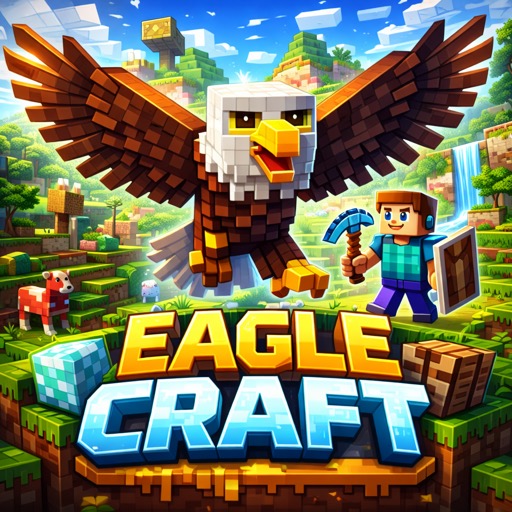
Minecraft 1.8.8 in a browser tab. Survival, creative, world generation, mobs, redstone and the Nether, with nothing to install.
Why It Is Version 1.8.8
1.8.8 came out in 2015, and there is a good reason the browser builds settled on it rather than something current. It is light enough to run on modest hardware, which matters enormously when the target machine is a Chromebook with a few gigabytes of memory and an integrated graphics chip. A recent Minecraft version would simply not run.
It also happens to be the version the classic PvP and minigame community stuck with, so the combat model and the block set will feel immediately familiar to anyone who played between about 2015 and 2018. What you do not get is anything added since. No caves and cliffs terrain, no bees, no netherite, no copper, no archaeology. If you are used to a current version, the world will look noticeably older.
Eagle Craft or Eagle Duckcraft?
Classroom Connect hosts two browser Minecraft builds and people reasonably ask which one to open. Eagle Craft is the newer EaglercraftX release and it loads straight into the menu, so it is the better default. Eagle Duckcraft is an older DuckCraft build from June 2025 that shows a short version notice with a countdown before it launches, which you can skip with the button on that screen.
The practical reason to keep both bookmarked is that they are served from different paths. If one will not load on your network, the other sometimes will. They also keep separate world saves, which is occasionally useful in its own right.
The DuckCraft build of the same Minecraft 1.8.8 client. A dependable fallback when the main build will not connect.
What Works and What Does Not
It is worth being straight about this, because a lot of pages covering browser Minecraft are vague on purpose. Here is the honest version.
Working properly:
- Singleplayer survival and creative, with normal world generation, biomes, mobs and day/night cycles
- The full 1.8.8 crafting tree, enchanting, brewing and redstone
- The Nether and the End
- Resource packs and shaders, including a Collector's Edition shader pack in the options menu
- Custom skins and capes, imported through the profile editor
- Multiplayer, but only to Eaglercraft servers
Not working, and not going to:
- Joining a standard Minecraft Java server by IP address
- Realms, or anything tied to a Mojang or Microsoft account
- Mods, Forge and Fabric
- Anything added to Minecraft after version 1.8.8
- Cross-play with the Bedrock edition on phones and consoles
Multiplayer needs a WebSocket connection to stay open. Plenty of restrictive networks allow the game to load and then block the multiplayer traffic, so singleplayer working is not a guarantee that multiplayer will.
Your Worlds Live Inside the Browser
This is the single most important thing to understand and the thing that catches people out. Your worlds are not saved as files on the machine. They are stored in the browser's own storage for that page, which means saving is automatic and instant, but it also means clearing your browsing data deletes every world you have made.
It also means your worlds are tied to that browser on that machine. Log into a different Chromebook and your builds are not there. The good news is that the client includes an import and export tool in the options menu. If a world matters to you, export it and keep the file somewhere you control.
Export any world you would be annoyed to lose, and do it before the end of term. Managed Chromebooks are frequently wiped over the holidays and browser storage goes with them.
Getting Decent Performance on a Chromebook
Eagle Craft is one of the heaviest things on Classroom Connect, and an entry-level Chromebook is not built for it. The difference between unplayable and perfectly fine is usually four settings.
- Close every other tab first. The game competes with them for memory, and memory is the constraint that actually bites.
- Drop render distance to around four chunks in Video Settings. This is the single biggest win available.
- Turn off fancy graphics, clouds and smooth lighting, and leave the shader pack switched off unless the machine genuinely has power to spare.
- Play windowed rather than fullscreen if the frame rate still dips. A smaller canvas is less work to draw.
The first load is always the slowest, because the client has to compile itself before anything appears. Later visits start considerably faster as long as the browser cache has not been cleared in between. If you want the wider version of this, we have a full guide to getting the best out of browser games on a Chromebook.
If It Is Still Too Heavy
Some Chromebooks simply will not run a full Minecraft client at a playable frame rate, and no amount of settings tuning fixes that. The sensible move is a lighter sandbox rather than a worse Minecraft. These are all much smaller games that scratch a similar itch.
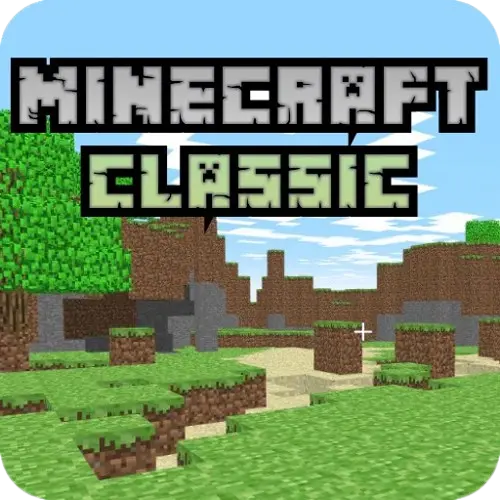
The original 2009 creative build mode. No survival and no mobs, but it starts instantly on almost anything.
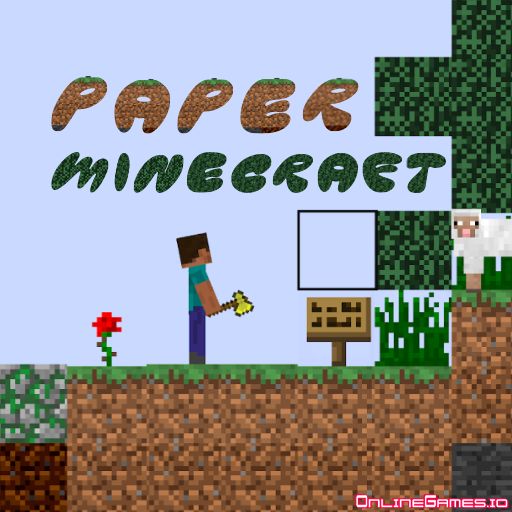
A 2D take with survival, crafting and mining intact. Extremely light and surprisingly complete.
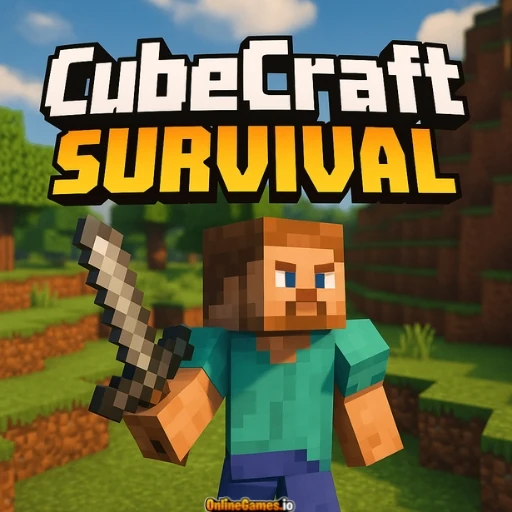
Voxel survival with resource gathering and building, at a fraction of the performance cost.
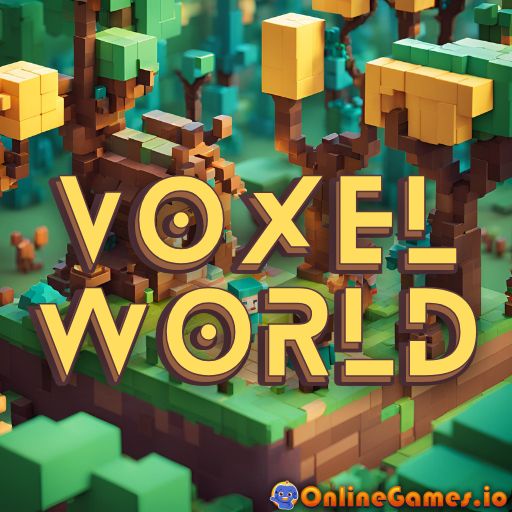
Straightforward block building with no survival pressure. Good for a quick creative session.
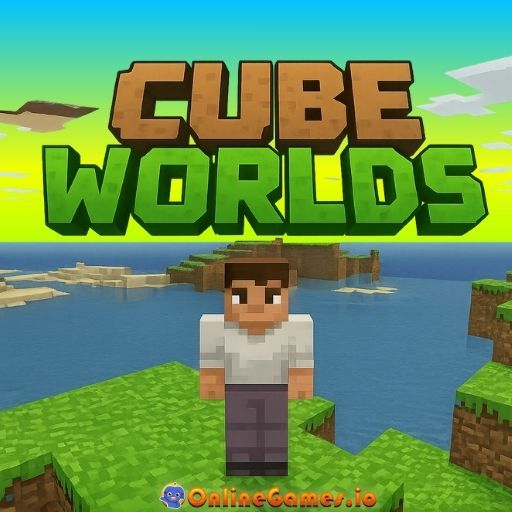
Exploration-led block sandbox with a gentler learning curve than full Minecraft.
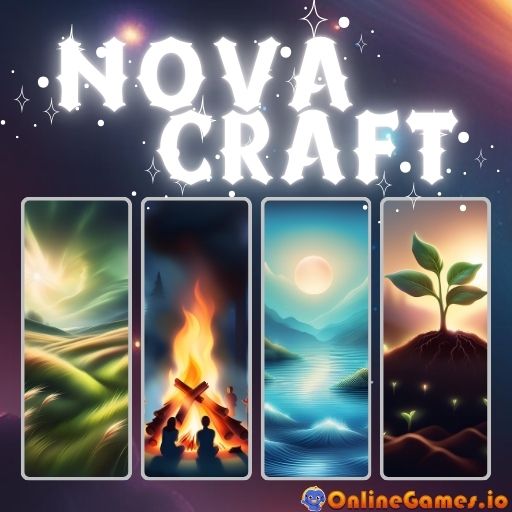
Compact crafting sandbox that loads in seconds. A reasonable stopgap on very limited hardware.
There is a longer breakdown of these in our guide to Minecraft browser alternatives.
What About Roblox?
This question comes up constantly alongside the Minecraft one, and the honest answer is that Roblox is a different situation. Minecraft could be ported to the browser because the Java client is a self-contained program that a community project was able to recompile. Roblox is not: it needs its own client application installed on the device, and it authenticates against Roblox servers before anything runs.
That is why there is no browser Roblox in the way there is a browser Minecraft. What people usually find when they search for it is cloud gaming, which is a different thing again. Cloud services stream video of a game running on a remote machine, which needs an account, usually a subscription, and a stable connection that shared Wi-Fi rarely provides. Plenty of networks do not allow the streaming protocols it depends on.
If what you actually want is a blocky multiplayer sandbox you can play in a browser tab, Eagle Craft is the realistic answer and the sandbox games above are the lightweight backup. Anything promising the full Roblox client in a browser tab is worth treating with suspicion.
The Short Version
Eagle Craft is genuine Minecraft 1.8.8 in a browser tab. It needs no download, no Java and no account, it runs on a Chromebook if you turn the settings down, and it saves your worlds into the browser rather than onto the machine. Multiplayer only reaches Eaglercraft servers, mods are out, and anything newer than 2015 is not in there.
For a lot of people that is still the closest they will get to Minecraft on a school device, and it is a good deal closer than most people assume is possible. Export your worlds, keep both builds bookmarked, and turn the render distance down before you complain about the frame rate.