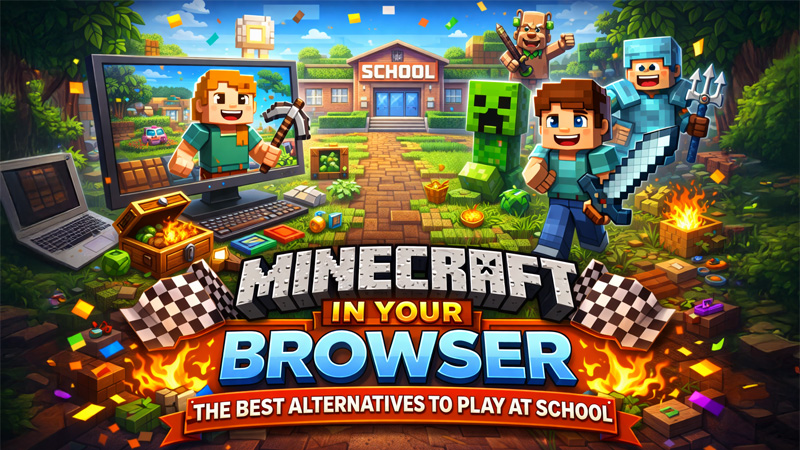
Minecraft was the game that convinced me computers were worth caring about. I remember watching YouTube tutorials for hours trying to learn the mechanics when I was about twelve. So when students started asking me to add Minecraft to Classroom Connect, I felt the pain immediately - you can't install it on a managed Chromebook and the school certainly isn't going to allow it. The good news is that there are several genuinely good browser-based alternatives that capture what makes Minecraft great - the building, the exploration, the creative freedom - without any download or installation required.
Here's what's actually worth your time.
Classic Minecraft
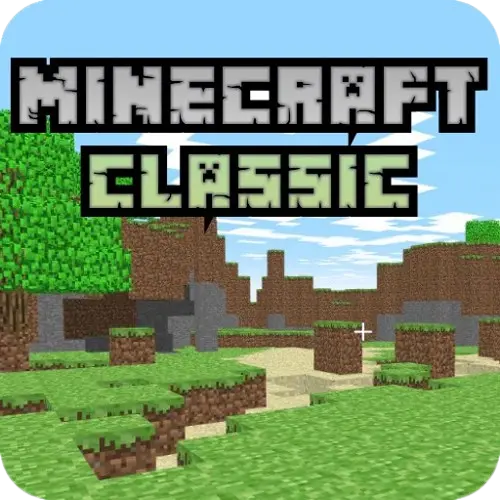
The original 2009 browser Minecraft - place and remove blocks freely in a creative world, no download needed.
This is the real thing - the original browser version of Minecraft from 2009, officially hosted and preserved. Classic Minecraft is creative mode only, with no survival, no crafting, and no monsters. You simply place and remove blocks freely across an infinite world.
The limitations are significant compared to modern Minecraft but the experience is genuine. The textures, the sounds, the block-clicking satisfaction - it is all there in its original form. For nostalgia or pure creative building, nothing beats the original.
ClassiCube
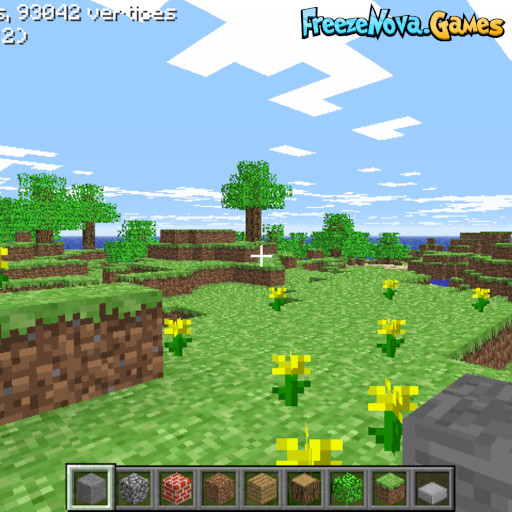
An open-source Minecraft Classic client in your browser with active multiplayer servers and a community still building today.
ClassiCube is an open-source Minecraft Classic client that runs in your browser and connects to active multiplayer servers. People are still building on these servers right now.
The community has created elaborate structures, themed servers, and creative building challenges that extend the basic Classic experience considerably. If you want to build alongside other people in a browser, ClassiCube is the best option available.
Paper Minecraft
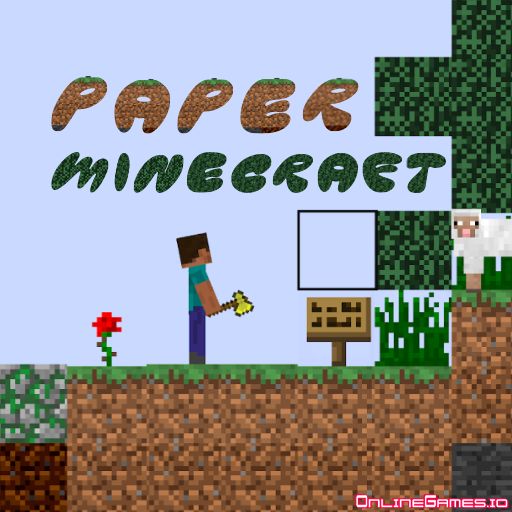
A faithful 2D browser Minecraft - mine, craft, survive the night, and build anything you can imagine.
Paper Minecraft takes the 2D side-scrolling interpretation of Minecraft - closer to Terraria than the real thing - and runs it entirely in a browser. You mine resources by clicking on blocks, craft tools using recipes, build shelters, and face monsters that appear at night.
The survival loop is genuinely compelling. Day one of any Paper Minecraft run involves the familiar scramble: punch trees, make a wooden pickaxe, mine stone, make better tools, dig a shelter before dark. It captures the core Minecraft experience in a 2D format that works surprisingly well.
Eagle Craft
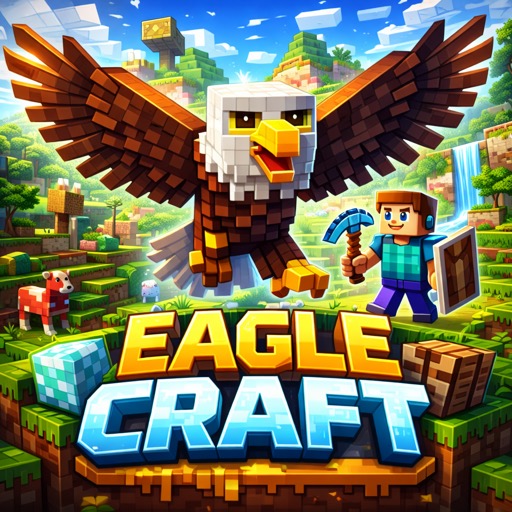
The closest browser equivalent to modern Minecraft - 3D first-person survival and creative mode.
Eagle Craft is the closest browser equivalent to modern Minecraft. It runs in 3D, has first-person perspective, supports survival and creative modes, and the block-based world is immediately familiar to any Minecraft player.
The graphics are intentionally low-poly rather than Minecraft-style textures, giving it a distinct aesthetic. Performance is impressive for a browser game, with draw distances reasonable enough for genuine exploration.
Nova Craft
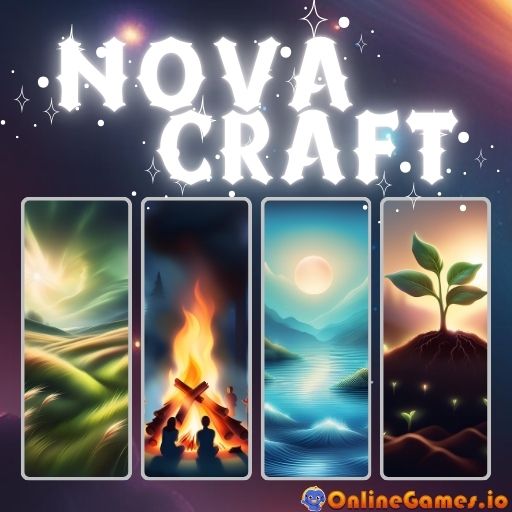
A 3D voxel builder with its own visual style - fast, accessible creative building in a familiar block world.
Nova Craft is another 3D voxel builder in the Minecraft tradition, with its own visual style and a focus on quick, accessible building rather than survival depth. The controls are immediately familiar and the creative freedom is satisfying.
Survival Craft
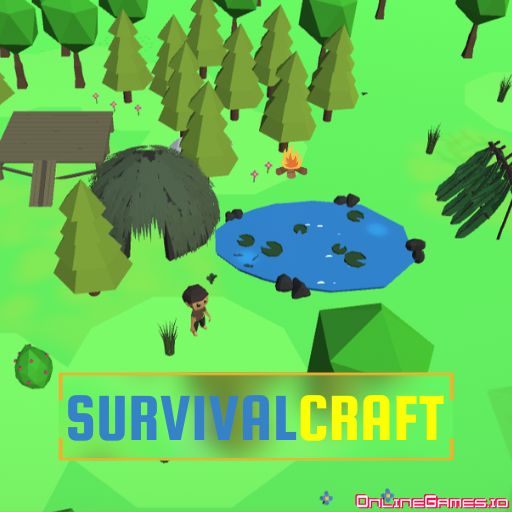
Minecraft-inspired survival with hunger, health management, and increasingly dangerous nights to outlast.
Survival Craft emphasises the survival side of the Minecraft equation - managing hunger and health, gathering resources, and staying alive through increasingly dangerous nights. The building is secondary to the survival challenge.
Good for players who find pure creative building less interesting than the tension of resource management and threat response.
Cube Worlds
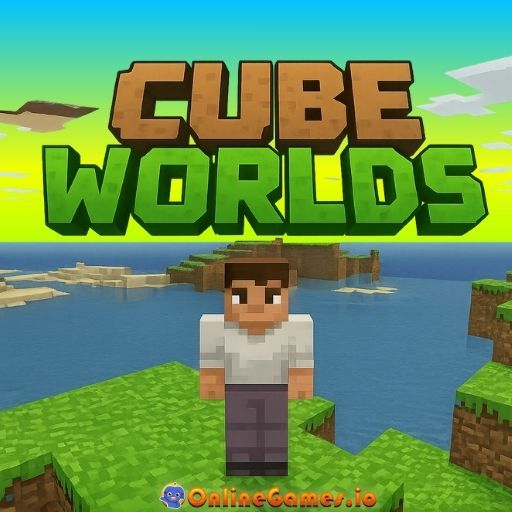
A block-based action RPG - build and explore a voxel world with combat, quests, and more structure than standard Minecraft clones.
Cube Worlds has a looser interpretation of the Minecraft concept. The world is block-based but the gameplay is closer to an action RPG - combat is more central, there are quests and objectives, and the experience is more guided than vanilla Minecraft's total freedom.
What to Expect vs Real Minecraft
Browser alternatives cannot fully replicate modern Minecraft. You will not find the complete biome variety, the deep redstone engineering system, the full mod ecosystem, or the years of content updates that real Minecraft has accumulated.
What you can find is the core creative satisfaction - placing blocks, building structures, exploring a world of your own creation. For a free period or lunch break, that is usually enough.
Tips for Browser Building Games
Start small: A 10x10 house built well is more satisfying than an ambitious castle you cannot finish.
Learn the basic controls first: Each game controls slightly differently. Spend five minutes just familiarising yourself before starting a serious build.
Use creative mode for building practice: If the game offers it, start in creative mode to learn what is possible before committing to a survival run.
Paper Minecraft and Eagle Craft are both in the Classroom Connect library and are the best places to start. If you want the real thing eventually, Minecraft Java Edition has a free trial and is available on most home computers. But for school sessions, these browser alternatives are more than good enough - and completely free. Give them a try and let me know if you think I've missed a good one.