Click a game on this site and it starts. There is no installer, no launcher, no plugin to approve. That was science fiction fifteen years ago and it is unremarkable now, which is a shame, because what is happening underneath is genuinely clever. Studying CS at college filled in a lot of gaps for me on this, and it turns out the explanation is more interesting than the magic.
The browser became a games console
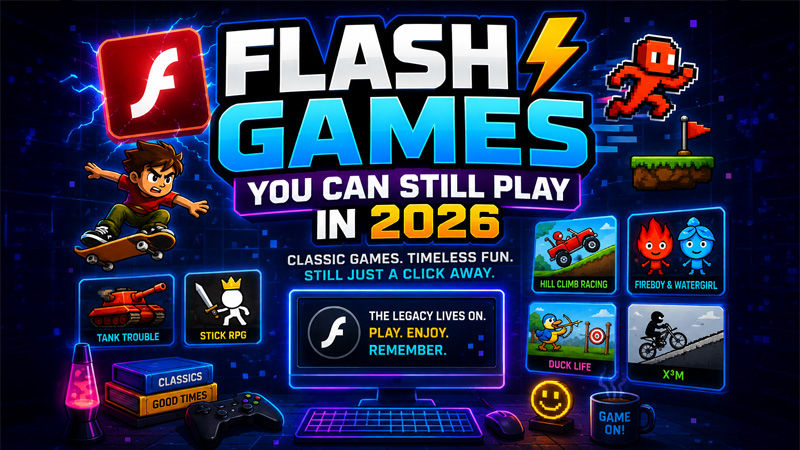
For most of the web's life, a browser could show you text, images and a bit of animation. Anything more demanding needed a plugin - a separate piece of software the browser handed control to. Flash was the big one, and for about a decade it was how browser games worked.
Then browsers grew the capabilities themselves. Three additions did almost all of the work, and every game on this site rests on at least one of them.
Canvas, WebGL and WebAssembly
The HTML5 canvas element is the simplest of the three. It gives a page a rectangle of pixels that JavaScript can draw into, sixty times a second if it needs to. That is enough for anything 2D: platformers, puzzle games, top-down shooters, card games. Most of the older games in our library are canvas games, and they are the reason a fifteen-year-old laptop can still run them without complaint.
WebGL is the same idea with the graphics card involved. Instead of the processor drawing every pixel, the page hands geometry and instructions to the GPU, which is built for exactly that. This is what makes 3D possible in a tab. Drift Hunters, Smash Karts and the survival games all run on WebGL, and the difference in what they can display is enormous.
WebAssembly is the strangest and most important of the three. It lets code written in languages like C++ or Rust run in the browser at close to native speed. That is how a game originally built for a desktop machine ends up playable in a tab: the original code is compiled to WebAssembly rather than rewritten in JavaScript. The heavier games in our library, the ones that take a few seconds to load, are almost always doing this.
Why some games load instantly and others take twenty seconds
The load time is almost entirely about how much has to arrive before anything can happen. A canvas game might be a few hundred kilobytes of JavaScript and a sprite sheet. A Unity WebGL game has to download the engine itself, the compiled game code, and every texture and model, which can run to thirty or forty megabytes.
- Small and instant: 2D canvas games, clickers, puzzle games, most .io games
- Medium: HTML5 games with a lot of art assets, or physics-heavy 2D games
- Large and slow to start: anything built in Unity or Unreal and exported to WebGL
This is also why a game that stutters is usually not your connection. Once it has loaded, the whole thing is running locally. Stuttering means the processor or graphics chip is struggling to keep up, which is a hardware limit rather than a bandwidth one.
What happened to Flash
Flash was switched off on 31 December 2020, and thousands of games stopped working overnight. It had good reasons to go - it was a security liability, it drained battery, and it never worked properly on phones - but it took a large chunk of internet history with it.
The reason a lot of those games are playable again is Ruffle, an open-source Flash emulator written in Rust and compiled to WebAssembly. It reads the original game file and reproduces what Flash would have done, inside the browser, with none of the security problems. Most of the Papa's games and the older Flash classics in our library run through it.
If a Flash-era game looks slightly off - a font that is not quite right, a sound effect missing - that is usually Ruffle. It reimplements Flash rather than being Flash, and the edges are still being filled in.
Why any of this matters if you just want to play a game
Mostly it does not. But it explains a few things that otherwise look arbitrary. It explains why a beautiful-looking 3D game runs badly on a machine that handles a dozen 2D games without blinking. It explains why some games take an age to start and then run perfectly. And it explains why nothing here needs installing, which is the whole reason this site can exist at all.
The short version: your browser is now a games console that happens to also read email. Everything on this site is just taking advantage of that.